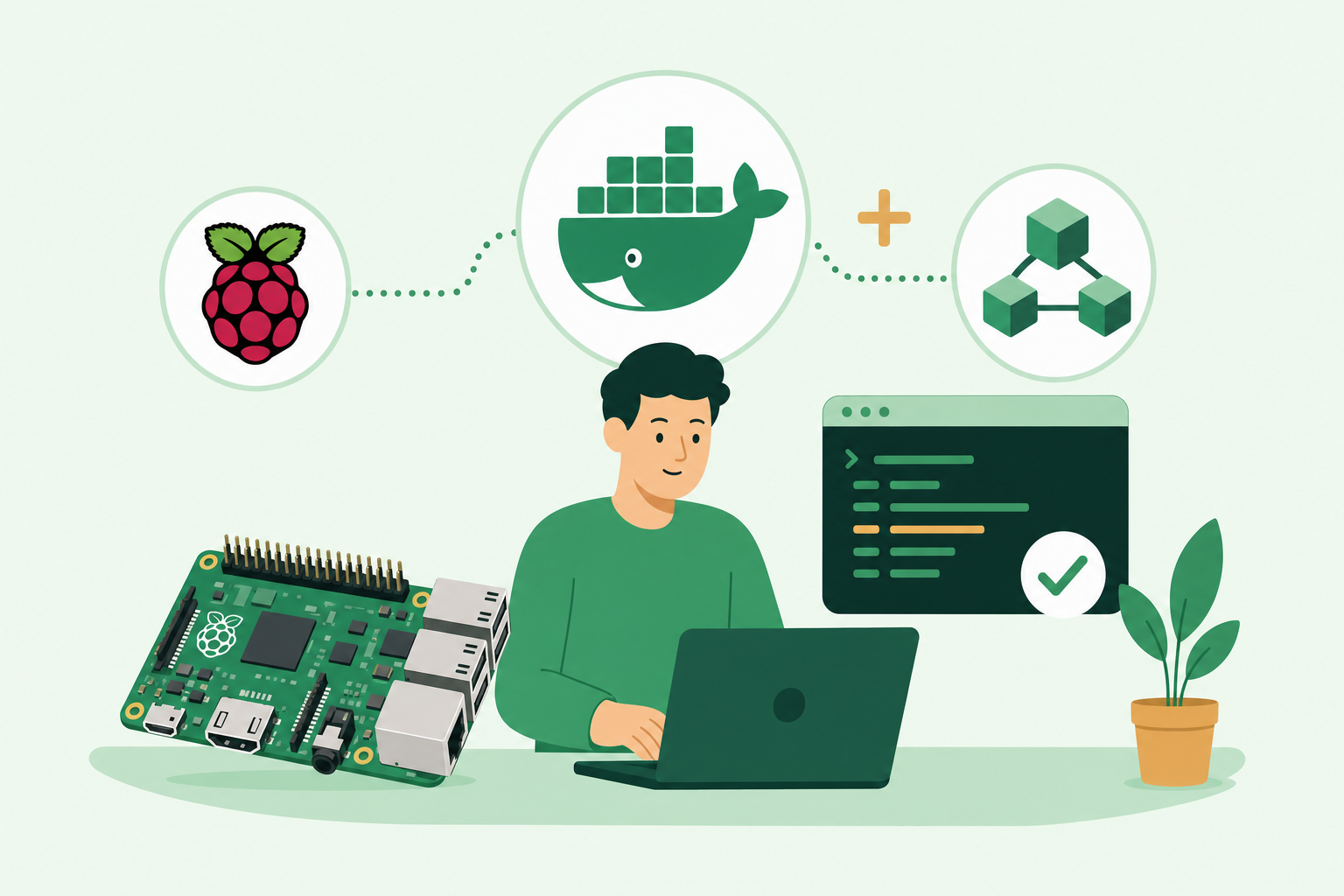
Quickly update a new Raspberry Pi, which has an install of Raspbian Buster with Docker and Docker-compose.
Docker
This is simple, as the Docker team have done all the work
bash ShowHide 2 lines
curl -fsSL get.docker.com -o get-docker.sh
sh get-docker.sh
And, we can add our user to the Docker group so we do not need the sudo every time. I am using the environment variable $USER; which indicates who is logged in currently. In my case this is the user pi.
bash ShowHide 1 line
sudo usermod -aG docker $USERRight, that was painful. now reboot the Pi and we are solid.
Docker-Compose
This is actually a Python script. Raspbian Buster is shipped with Python 3.6; so we just need to add PIP3 to install the python packages from pypy
bash ShowHide 2 lines
sudo apt-get install -y python3 python3-pip
sudo pip3 install docker-compose
Wow, that was a struggle, lets check we are good
bash ShowHide 1 line
docker-compose --versionPart of: damianflynn