A deployment often needs to find infrastructure that already exists. A virtual machine might belong to a subscription with a shared Recovery Services vault, while its backup policy depends on the workload. Passing the vault name, its resource group and the policy name into every deployment works, but repeats configuration that may already be recorded in Azure.
In the earlier post, Azure Tags as ARM Template Parameters, I used tags to look up those values from an ARM JSON template. This is the same lab scenario expressed in Bicep. The lookup behaves the same way, but the string interpolation makes the resource paths easier to follow.
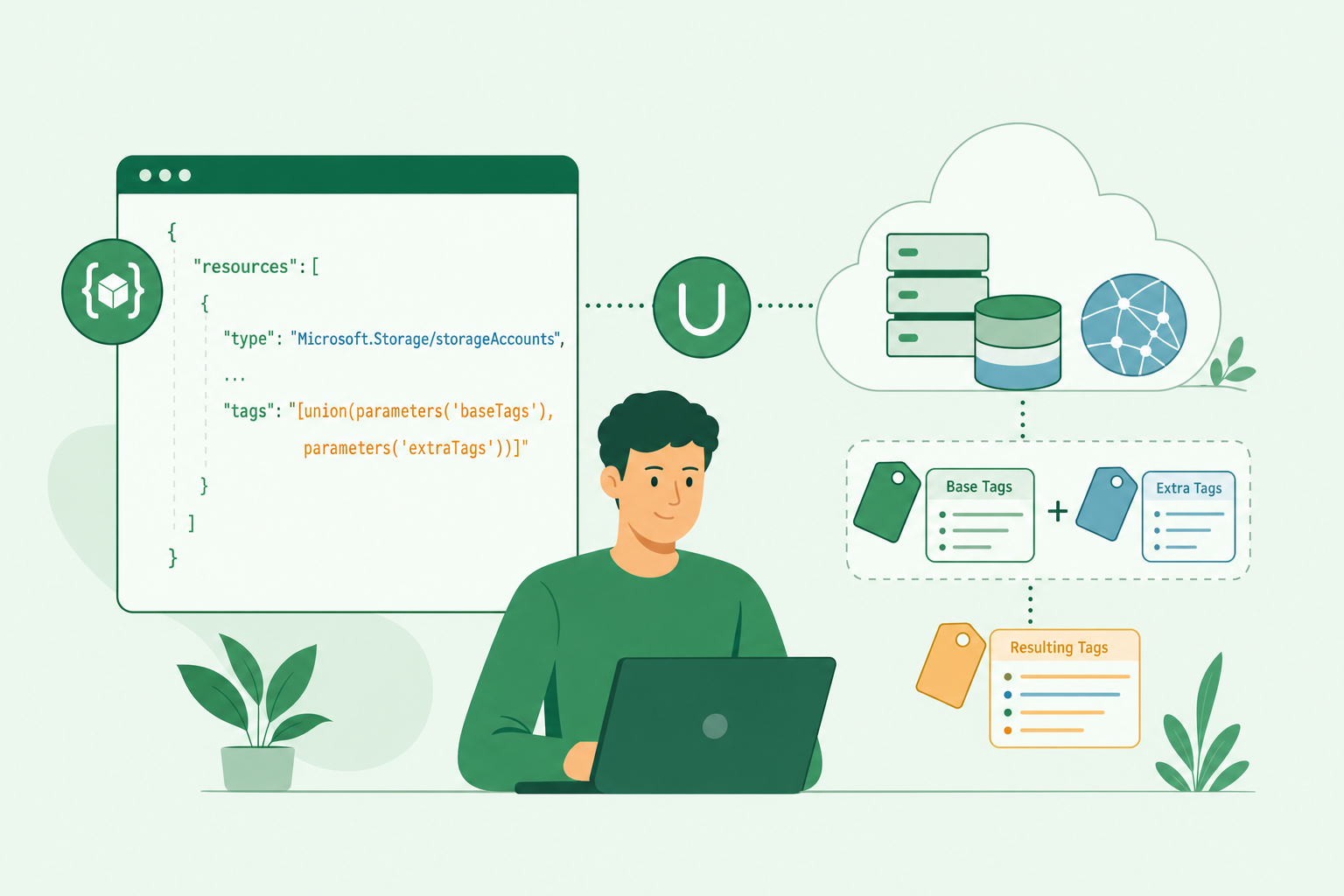
The title describes the intended use of the values: they can supply configuration to a deployment. The tag values are not Bicep parameter defaults, however. They are read at deployment time with reference, and this example returns them as outputs so we can inspect the result before wiring them into another resource or module.
The scenario: find the right vault and policy
Suppose each subscription has a designated backup vault. Rather than repeat that choice in every workload’s parameter file, record the vault’s name and resource group as subscription tags. The VM carries a separate tag identifying its intended backup policy.
The lab uses this convention:
| Scope | Tag | Example value |
|---|---|---|
| Subscription | recoveryVault | p-vault-001 |
| Subscription | recoveryVaultRG | p-vault |
| Virtual machine | recoveryPolicy | DefaultPolicy |
The vault and policy already exist. The VM is also an existing resource; the example does not create it or apply any tags.
Subscription tags and VM tags are read separately. Azure does not automatically inherit subscription tags onto resources. In this design, the subscription records the shared vault selection, while the VM records its own policy selection.
Look up the tags with Bicep
Azure exposes tags through the Microsoft.Resources/tags extension resource. Appending /providers/Microsoft.Resources/tags/default to a resource’s scope gives us the identifier to query.
The following example retains the resource ID from my original lab. Replace sourceResourceId with your own VM’s resource ID before deploying it. The subscription lookup uses the deployment’s current subscription, and the lab assumes the VM and vault are in that same subscription.
bicep ShowHide 20 lines
@description('The resource ID of the existing resource whose tags we want to read.')
param sourceResourceId string = '/subscriptions/547d54ea-411b-459e-b6f8-b3cc5e84c535/resourceGroups/p-vm/providers/Microsoft.Compute/virtualMachines/p-vm001'

// Tags on the deployment subscription.
var referenceSubscriptionTagsResourceId = '/subscriptions/${subscription().subscriptionId}/providers/Microsoft.Resources/tags/default'

// Tags on the selected resource.
var referenceResourceTagsResourceId = '${sourceResourceId}/providers/Microsoft.Resources/tags/default'
var referenceTagsApi = '2020-06-01'

// Inspect the values read from the subscription.
output subscriptionRecoveryVaultRGTag string = reference(referenceSubscriptionTagsResourceId, referenceTagsApi).tags.recoveryVaultRG
output subscriptionRecoveryVaultTag string = reference(referenceSubscriptionTagsResourceId, referenceTagsApi).tags.recoveryVault

// Inspect the policy selected on the resource.
output resourceRecoveryPolicyTag string = reference(referenceResourceTagsResourceId, referenceTagsApi).tags.recoveryPolicy

// Build identifiers for the existing vault and policy.
output recoveryVaultId string = resourceId(subscription().subscriptionId, reference(referenceSubscriptionTagsResourceId, referenceTagsApi).tags.recoveryVaultRG, 'Microsoft.RecoveryServices/vaults', reference(referenceSubscriptionTagsResourceId, referenceTagsApi).tags.recoveryVault)
output recoveryPolicyId string = '${resourceId(subscription().subscriptionId, reference(referenceSubscriptionTagsResourceId, referenceTagsApi).tags.recoveryVaultRG, 'Microsoft.RecoveryServices/vaults', reference(referenceSubscriptionTagsResourceId, referenceTagsApi).tags.recoveryVault)}/backupPolicies/${reference(referenceResourceTagsResourceId, referenceTagsApi).tags.recoveryPolicy}'
The first two variables construct the tag-resource identifiers. referenceTagsApi supplies the API version for reading them, and each reference(...).tags.<name> expression selects one value from the returned tag collection.
The first three outputs are deliberately simple: they let us check that the tagging convention has been applied correctly before using the values elsewhere.
Turn the values into resource IDs
The final two outputs build the identifiers that another deployment component could consume.
resourceId combines the current subscription, the tagged resource group, the Recovery Services resource type and the tagged vault name. The policy identifier then adds /backupPolicies/ and the policy name read from the VM.
With the example tag values, the results are:
text ShowHide 5 lines
Vault:
/subscriptions/547d54ea-411b-459e-b6f8-b3cc5e84c535/resourceGroups/p-vault/providers/Microsoft.RecoveryServices/vaults/p-vault-001

Policy:
/subscriptions/547d54ea-411b-459e-b6f8-b3cc5e84c535/resourceGroups/p-vault/providers/Microsoft.RecoveryServices/vaults/p-vault-001/backupPolicies/DefaultPolicy
Constructing these strings does not prove that the vault and policy exist, or that the policy is compatible with the workload. This example resolves configuration; it does not enable backup, register the VM with the vault or create a protected item. Those are separate deployment steps.
Deploy the lookup and inspect the outputs
Save the example as tags-as-parameters.bicep. From an authenticated Azure CLI session, select the intended subscription and deploy to an existing resource group:
bash ShowHide 7 lines
az account set --subscription <subscription-id>

az deployment group create \
  --resource-group <deployment-resource-group> \
  --template-file tags-as-parameters.bicep \
  --parameters sourceResourceId=<vm-resource-id> \
  --query properties.outputs
Replace the angle-bracket placeholders rather than entering them literally. The template declares no infrastructure resources, but it still creates a deployment record and performs the tag lookups. The deployment identity needs permission to deploy at that scope and read tags at both the subscription and selected resource scopes.
Check the individual tag outputs first, then the assembled vault and policy IDs. If a required tag is absent or the tag resource cannot be read, the lookup can fail. This sample intentionally has no fallback vault or policy: silently choosing one would hide a configuration error.
Where this pattern fits—and where it doesn’t
Using tags this way can be useful when an organisation already governs a small set of configuration tags. A workload deployment can discover the local subscription’s shared service without maintaining a separate copy of its name in every parameter file.
It also makes tag editing operationally significant. Someone who can change recoveryVault or recoveryPolicy can influence what a later deployment selects. Document the convention, restrict write access appropriately and validate the selected resources before applying changes.
A few limits matter:
- Tags are strings. Validate their values rather than treating them as typed configuration.
- Tags are not a secret store. Keep credentials and other sensitive values out of them.
- Lookups happen during deployment. Changing a tag afterwards does not automatically rerun the deployment or reconfigure an existing workload.
- The subscription scopes are explicit. Passing a VM ID from another subscription does not change the subscription used for the vault lookup or the assembled vault ID. Cross-subscription designs need additional scope and permission handling.
For configuration that should be versioned and reviewed with the code, a parameter file may remain the better choice. Tags are useful here because they describe an existing environment’s agreed configuration, not because they replace every other source of deployment inputs.
Start with the lookup-only template and check its outputs against the intended vault and policy. Once those values are reliable, connect them to the deployment component that actually configures backup, with validation appropriate to that operation.
Part of: damianflynn